OUR LONG-TERM PRODUCT VISION
How OR.BIT.Ai works
Adaptive life automation, built around local intelligence, clear permissions and meaningful human control.
This page describes the long-term product vision. It is not a list of features available in the first release.
INTELLIGENCE FOR EVERYDAY LIFE
Your environment, learning to support you.
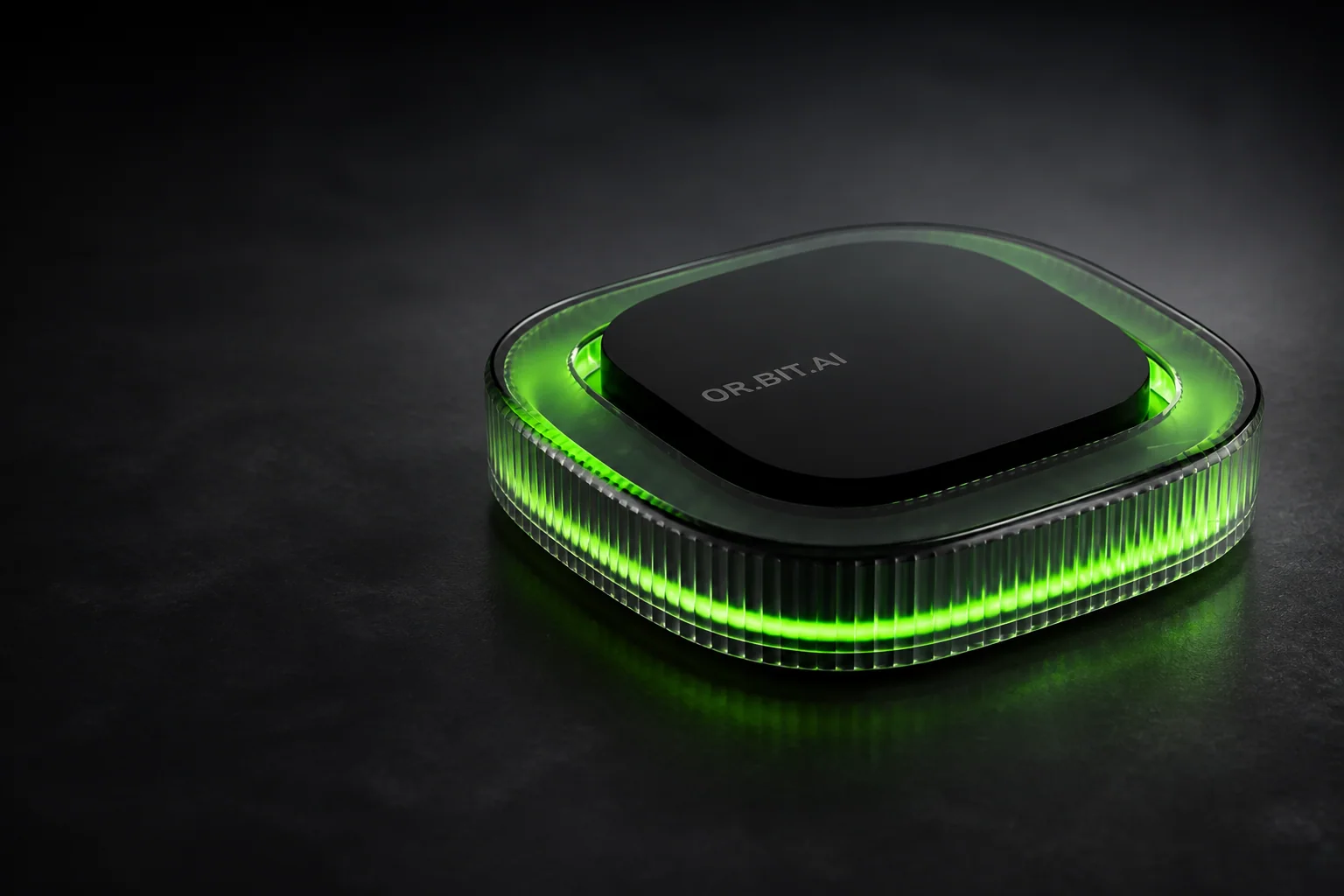
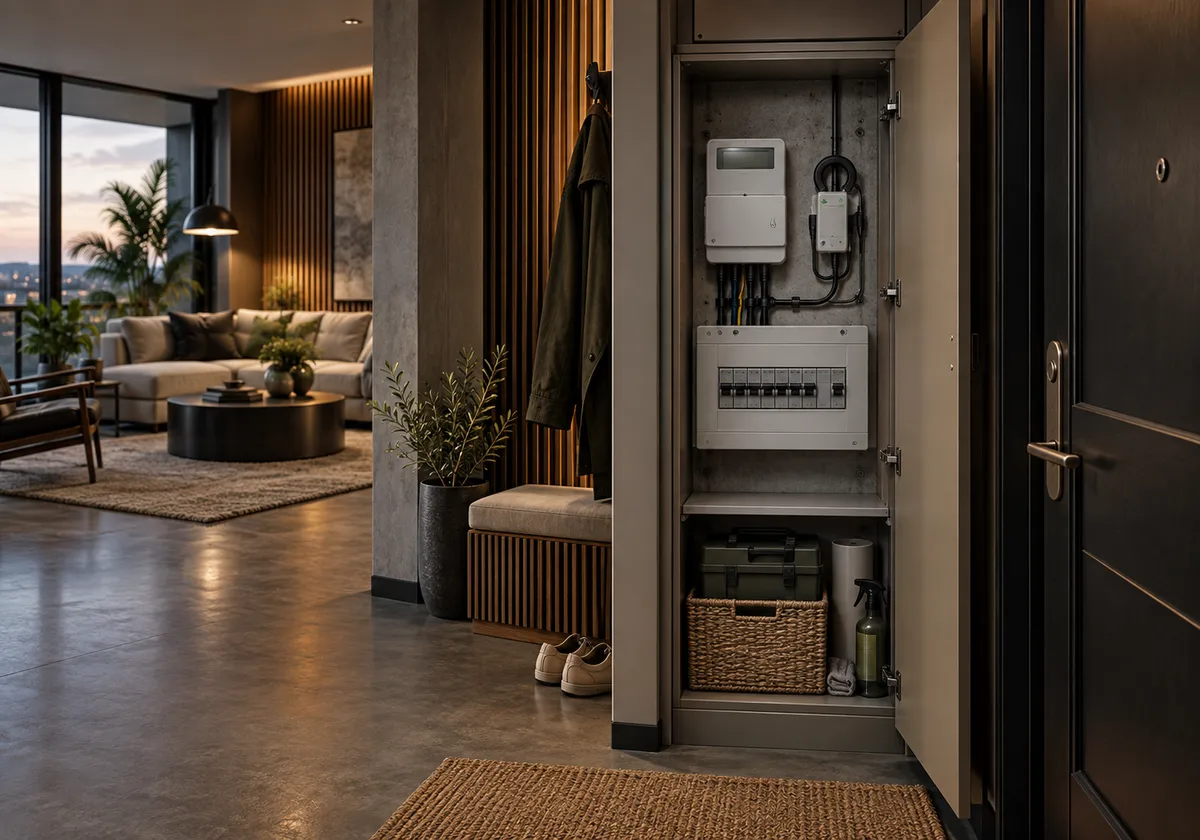
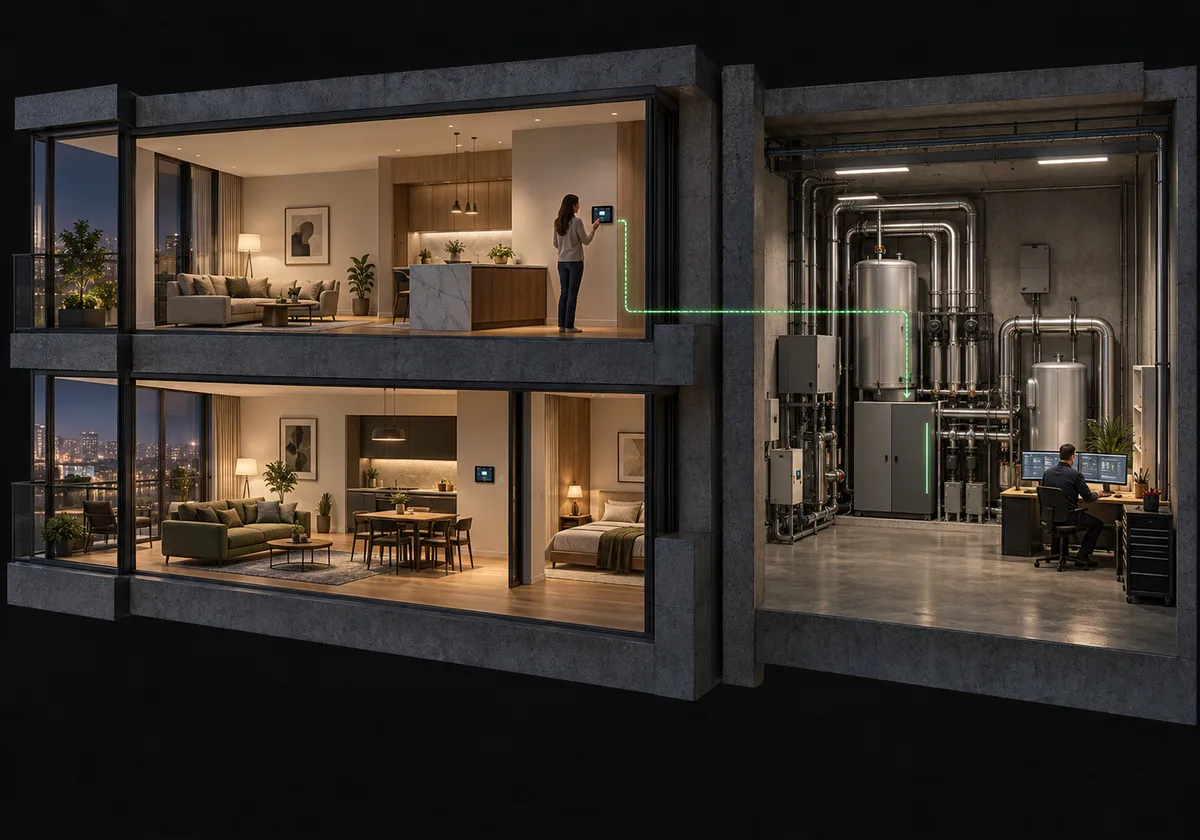
OR.BIT.Ai is a life automation platform designed for buildings and the people who live and work in them.
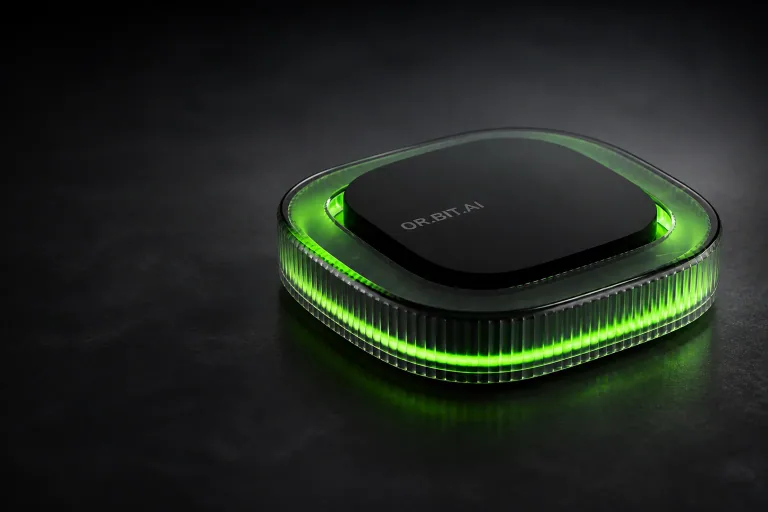
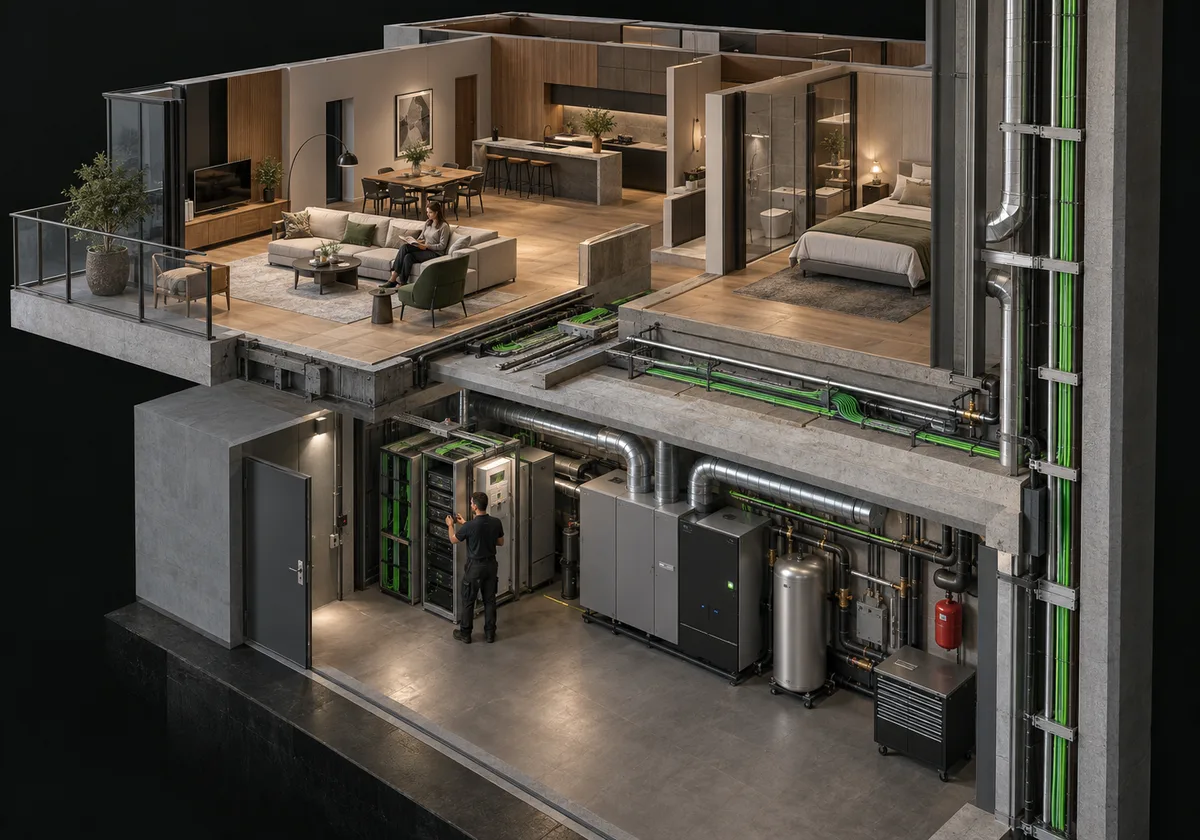
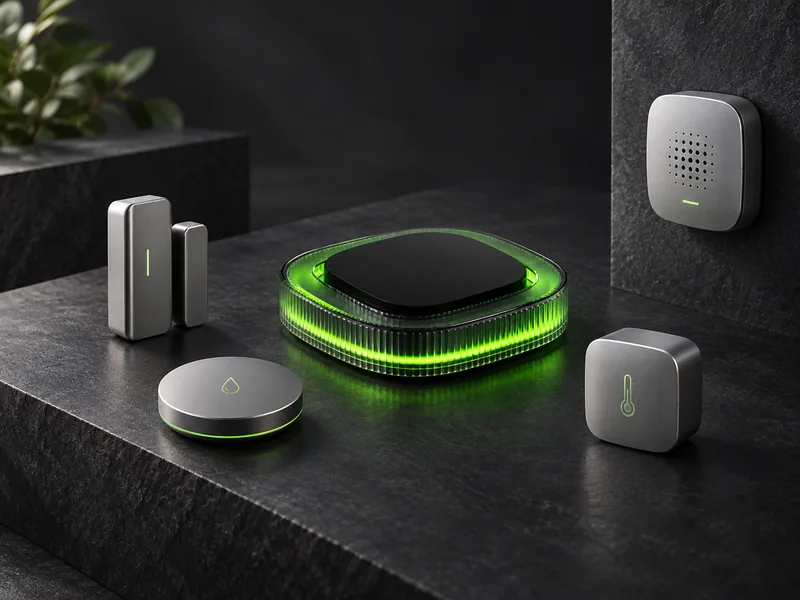
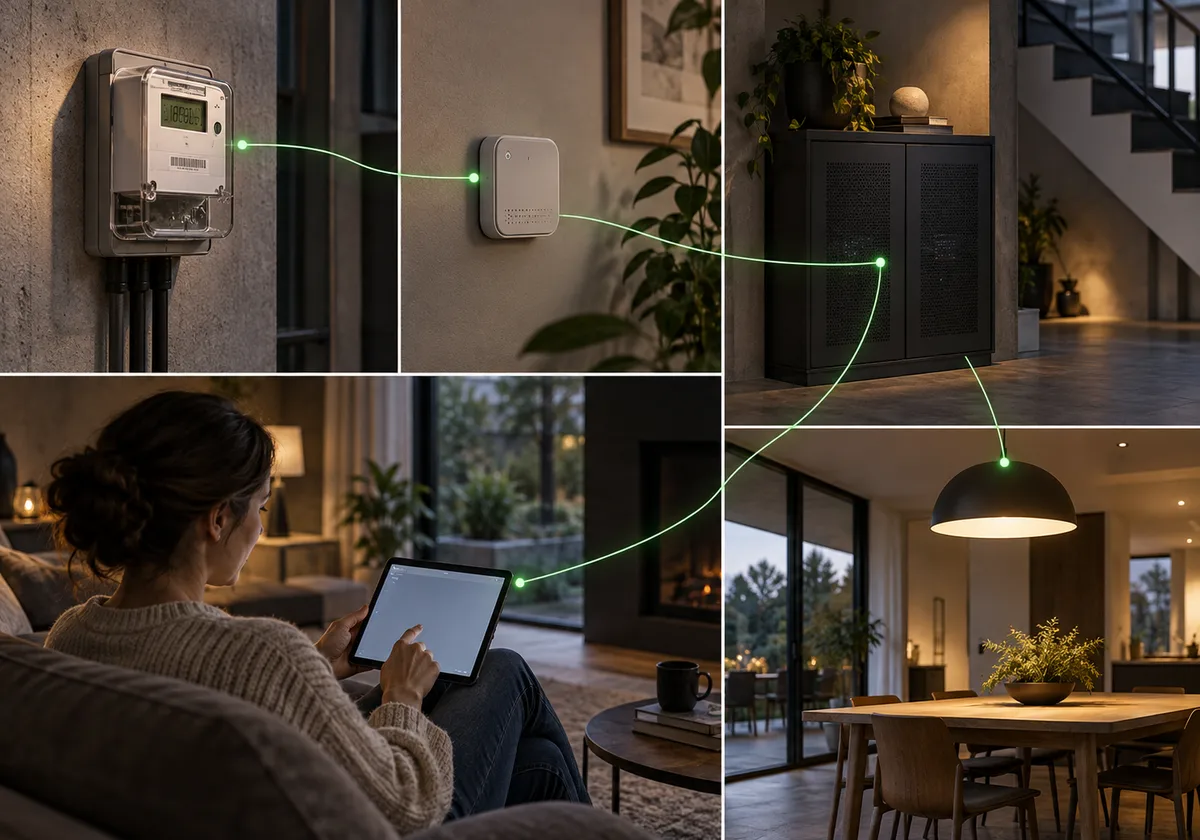
At its core is an intelligent device that brings supported connected systems together. Through local intelligence, pattern recognition and preferences you choose to share, it is designed to understand recurring needs and adapt as everyday life changes.
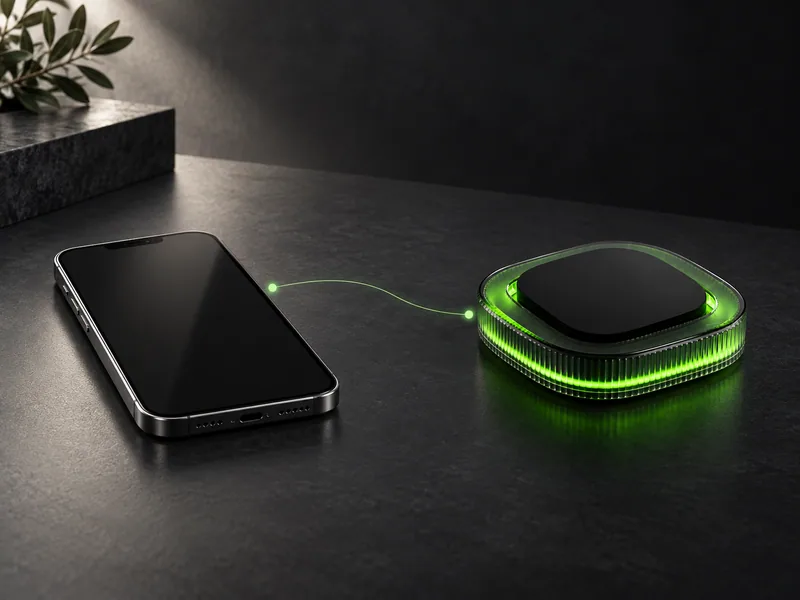
What the smartphone is to the individual, OR.BIT.Ai aims to become for the spaces around them: a central point of connection, intelligence and coordination.
The goal is to reduce the effort of navigating separate systems, repeating instructions and managing everyday tasks individually. Its intelligence should become more useful over time, while its permissions remain yours to define.
THE INTENDED EXPERIENCE
From connection to useful, bounded action.
Learning changes its understanding. Only your approval changes its authority.
-
Connect
Connect supported devices, sensors and building systems. Choose which information OR.BIT.Ai can access and which functions it can control.
Integration depends on compatible equipment and supported interfaces.
-
Understand
Process permitted information locally to recognise routines, understand relevant conditions and identify recurring needs.
Inputs can include room conditions, equipment status, schedules and user-provided preferences.
-
Anticipate
Use recurring patterns and current conditions to suggest what may be useful next, with room for you to correct its assumptions.
A prediction is an estimate, not a certainty.
-
Act within permission
Carry out familiar tasks within the boundaries you have approved. Ask before taking actions that require additional permission.
-
Check and explain
Where connected systems provide feedback, check whether an action succeeded and make the result understandable.
An unconfirmed action remains unconfirmed.
-
Adapt
Use your feedback and permitted local history to refine future responses as your routines change.
CURRENT SOFTWARE DEMONSTRATOR
A visible decision path, from signal to evidence.
The reviewed OR.BIT.Ai demo is an architecture simulation. It explores how device states, proposals, policy checks, permissions, fallback behaviour and audit evidence could work together. It is not proof of production security, released integrations or certified building control.
-
01
Device abstraction and validation
DEMONSTRATED IN UIThe demo normalises lighting, climate, energy, access and sensor categories, then rejects unsupported, offline or read-only writes instead of treating every device alike.
-
02
Proposal before action
DEMONSTRATED IN UITasks are represented as proposals with a reason, intended impact, target actions and risk context before anything is eligible to proceed.
-
03
Layered governance checks
DEMONSTRATED IN UIState validity, operational risk, energy conditions, safety policy and human approval are evaluated as separate gates. A plausible action is not automatically an authorised action.
-
04
Execution feedback
DEMONSTRATED IN UIPermitted actuator writes return a confirmed, failed or unconfirmed state. Missing equipment feedback is kept visible and is never presented as success.
-
05
Resource-aware fallback
ARCHITECTURE SIMULATIONThe simulation explores local inference and deterministic fallback when power, thermal, connectivity or integrity conditions change. A tamper event can suspend scheduling and require recovery.
-
06
Evidence and memory boundaries
ARCHITECTURE SIMULATIONAn event stream, decision trace, action history and separate retention zones explore how operators could inspect the chain without making all stored context equally available.
-
07
Ownership and update lifecycle
ARCHITECTURE SIMULATIONProvisioning, active ownership, staged A/B updates, health checks, rollback and decommissioning are represented as one controlled device lifecycle.
-
08
Multi-node trust boundaries
ARCHITECTURE SIMULATIONPeer auditing, portfolio coordination, scoped trust contracts and revocation are explored as concepts for larger deployments, not stated as released federation features.
ILLUSTRATIVE SCENARIOS
Everyday automation, shaped by permission.
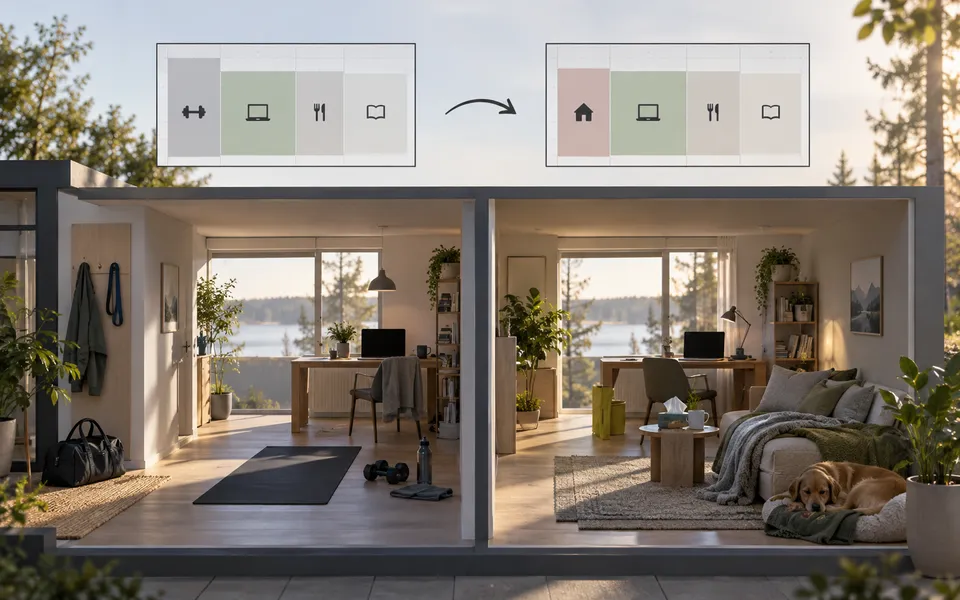
A morning with fewer small tasks
- Situation
- A familiar morning routine begins.
- Permitted inputs
- An approved schedule, room conditions and saved preferences.
- Intended response
- Coordinate supported lighting, shading and climate settings within permitted limits. Offer an adjustment when the day differs from the usual pattern.
- Human control
- Choose the routine, adjust preferences, skip it or pause automation.

- Practical benefit
- Fewer repeated adjustments before the day gets started.
A space that responds to how it is used
- Situation
- A meeting room is empty while connected equipment continues running.
- Permitted inputs
- Permitted occupancy signals, equipment status and operating schedules.
- Intended response
- Identify unnecessary operation and recommend a change. In future supported automation modes, apply approved adjustments within the building manager's limits.
- Human control
- The manager sets operating limits and determines which actions require confirmation.

- Practical benefit
- Less manual checking and clearer opportunities to reduce waste.
A room prepared around an approved plan
- Situation
- A room needs to be prepared for use.
- Permitted inputs
- Approved room status, operating rules and room conditions.
- Intended response
- Coordinate supported lighting and climate settings and flag equipment that does not respond as expected.
- Human control
- Staff define permitted actions, and occupants retain appropriate control.
- Practical benefit
- Fewer repetitive preparation tasks and clearer visibility for staff.
Authored simulations only. These examples do not use visitor data, cloud-based guest profiling or live building connections.
Notice earlier. Understand the situation. Respond with control.

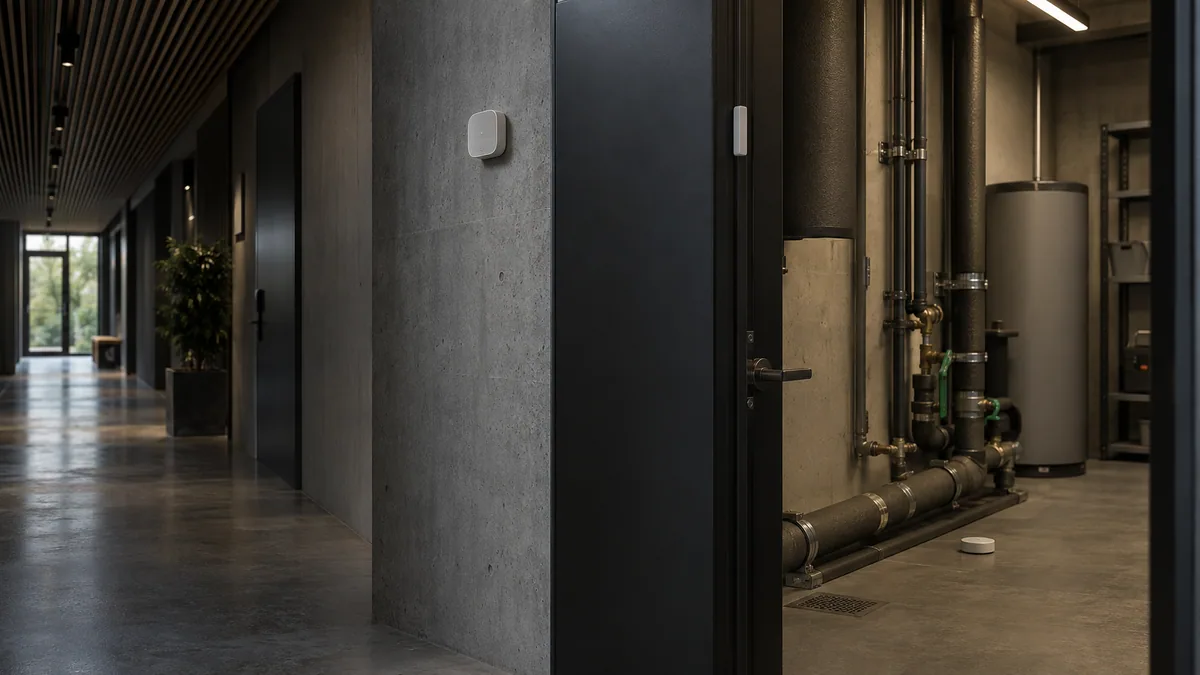
Our vision extends to helping people recognise unusual events and manage risks around their spaces. By bringing permitted signals together locally, OR.BIT.Ai is designed to provide context, suggest appropriate next steps and coordinate supported responses within clearly defined permissions.
An unusual event is a reason to check, not proof of a threat.Water and environmental risks
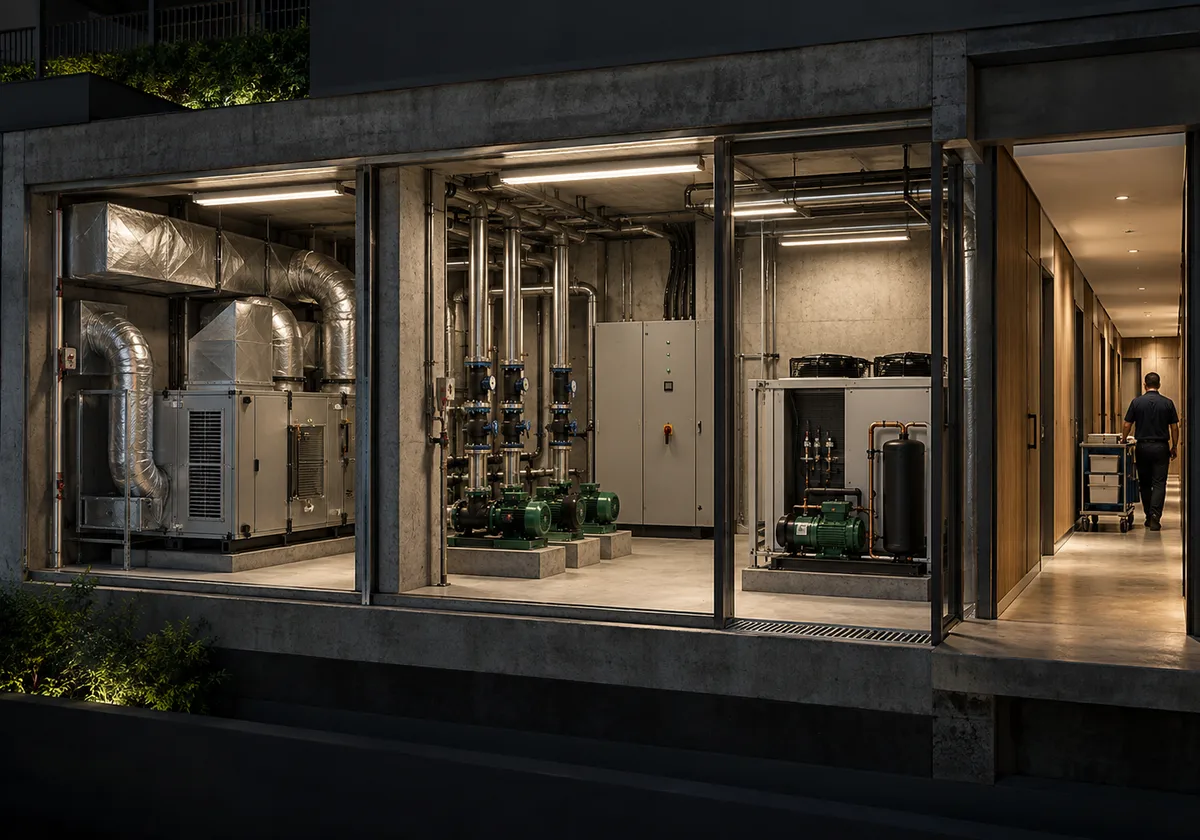
Equipment and operational risks
Connected-device and system health
01An entrance left open after closing
- Situation
- A monitored entrance remains open beyond the configured closing period.
- Inputs
- A supported door contact, the approved operating schedule and authorised access-system events where available.
- Interpretation
- Show the observed event and possible explanations, such as an authorised late departure or a door that has not closed properly.
- Response
- Notify the designated authorised user, identify the entrance and provide the relevant event timeline.
- Control
- Ask the user to verify the situation. Any supported access-control action remains governed by explicit permissions and the access system's own safeguards.

- Benefit
- Less reliance on someone remembering to check every entrance.
- Boundary
- Never infer criminal intent, automatically lock people inside or obstruct emergency exit routes.
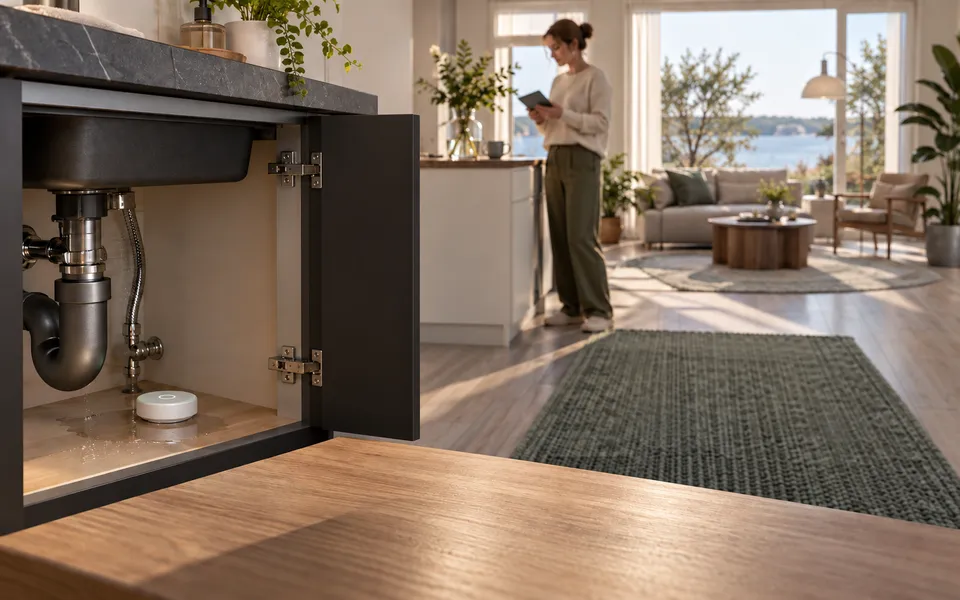
02A possible water leak
- Situation
- A supported moisture sensor reports water in an area expected to remain dry.
- Inputs
- Sensor status, location and compatible flow measurements where available.
- Interpretation
- Explain which sensor triggered and whether another signal supports the alert. Do not state that a leak is confirmed solely from an ambiguous reading.
- Response
- Raise an alert and show the location. Where a compatible isolation valve and a validated policy exist, request approval or apply a previously authorised response.


- Control
- The owner or operator determines whether a specific valve may be operated automatically.
- Benefit
- Earlier awareness and a clearer path to limiting potential damage.
- Boundary
- Never operate fire-suppression water supplies or other critical services. Valve control must be limited to explicitly supported installations.
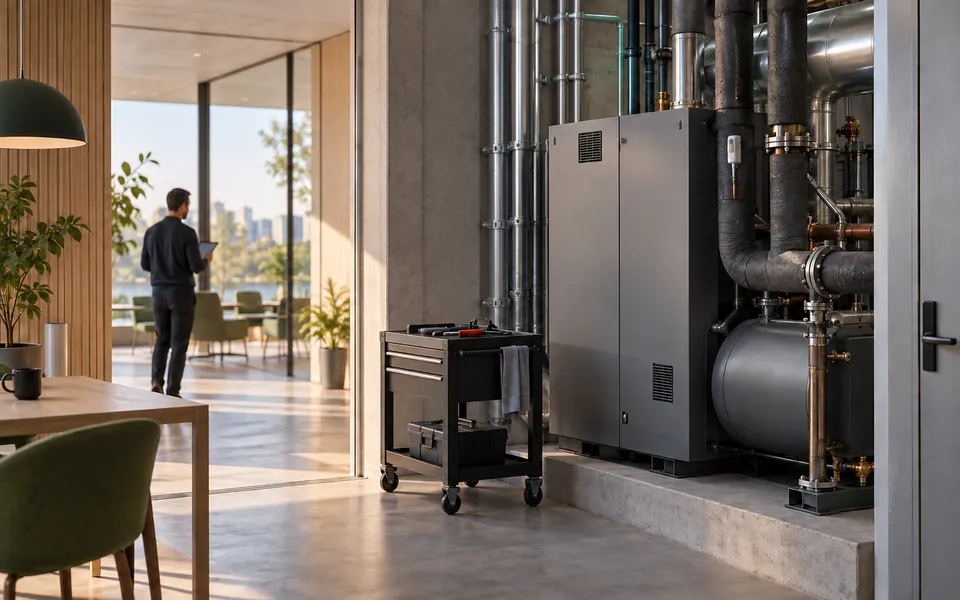
03Equipment behaving unusually
- Situation
- A monitored device reports an abnormal temperature or a sustained change in operating behaviour.
- Inputs
- Compatible equipment telemetry, documented limits and permitted local operating history.
- Interpretation
- Identify the observed deviation without claiming to know the root cause or predict a failure with certainty.
- Response
- Explain the change, flag it for inspection and prepare a proposed maintenance task.
- Control
- Staff approve service actions. Automatic load reduction or shutdown is only considered for supported, non-critical equipment under an approved policy.
- Benefit
- More focused maintenance attention and less manual inspection of routine readings.
- Boundary
- Do not promise fire prevention or interrupt critical systems. Certified alarms and equipment protections operate independently.
04Unexpected activity from a connected device
- Situation
- A supported integration reports repeated failed sign-ins, a configuration change or an unfamiliar device.
- Inputs
- Authorised security events from compatible devices or network-management systems.
- Interpretation
- Describe the event as unusual activity requiring review. Do not label it a confirmed cyberattack without evidence.
- Response
- Notify the administrator and present options to review the event or revoke the affected OR.BIT.Ai integration's access.
- Control
- Broader network isolation requires an explicitly supported management integration and appropriate authorisation.

- Benefit
- Clearer visibility into changes that might otherwise go unnoticed.
- Boundary
- Do not imply universal network inspection, guaranteed attack detection or protection of every connected device.
05A sensor stops reporting
- Situation
- A connected sensor misses its expected reporting interval.
- Inputs
- Last-seen time, connection status and the configured reporting interval.
- Interpretation
- State that current conditions are unknown, rather than assuming everything is normal.
- Response
- Show the missing signal, flag affected routines and use their documented fallback behaviour.
- Control
- Users can inspect the issue and choose an appropriate manual response. Dependent automation follows preconfigured limits.
- Benefit
- People know when monitoring is incomplete and which functions may be affected.
- Boundary
- Never show stale readings as live data or display "All safe" when essential signals are unavailable.
06Several signals need attention
- Situation
- A leak alert appears while related equipment also reports an error.
- Inputs
- Permitted events, timestamps and the installation's documented device relationships.
- Interpretation
- Group related observations without inventing a confirmed cause.
- Response
- Present one understandable incident view with the affected area, observed signals, proposed actions and response status.
- Control
- Only authorised users can review private incident details or approve restricted actions.
- Benefit
- Less fragmented information and a clearer sequence of next steps.
- Boundary
- Do not automatically contact emergency services, insurers or external responders. External escalation must be separately supported and explicitly authorised.
SIMULATION
Explore a possible water-leak response.
Choose a permission mode and inspect how the example changes. This walkthrough uses authored content only.
- ObservedSensor reports moisture.
- Possible issueOR.BIT.Ai presents the available context.
- Awaiting approvalThe configured permission determines the response.
- Not attemptedAvailable feedback confirms or fails to confirm the action.

Permission mode
Assumes a compatible non-critical valve installation and a validated, pre-approved policy.
Available feedback
ObservedSupported moisture sensor reports water in a dry area.
InterpretationPossible issue. The alert is not treated as a confirmed leak.
ResponseA valve action is proposed. Nothing proceeds until an authorised user approves it.
FeedbackNo valve action has been attempted, so there is no completion signal.
Simulation only. It cannot connect to real devices, collect information, operate a valve or send a notification.

You set the boundaries. OR.BIT.Ai works within them.
Human control should not mean approving every small action. It means choosing where automation is welcome and where your decision is required.
INTENDED CONTROLS
Authority stays visible and changeable.
- Review and change permissions.
- Inspect and correct saved preferences.
- Review available action history.
- Pause routines or automation.
- Delete learned personal information.

- Retain supported manual controls.
- Define who may view alerts and approve restricted actions.
Personal intelligence should remain personal.
Private data, learned patterns and personal preferences are intended to remain local and private on your OR.BIT.Ai device. Personalisation is designed to happen locally, without sending that private information to the cloud for learning or prediction.
LOCAL PROCESSING
Build understanding where the device is installed.
PERMISSION-BASED ACCESS
Access only the information and functions you permit.
CONTROL OVER MEMORY
Review, correct and delete the personal information the device remembers.
DEFINED CONNECTION BOUNDARIES
Connecting an external service does not grant it access to your private context.
Activity histories and incident details can reveal private routines. Their visibility, retention and any export must remain under authorised user control.
One vision. A family of devices.
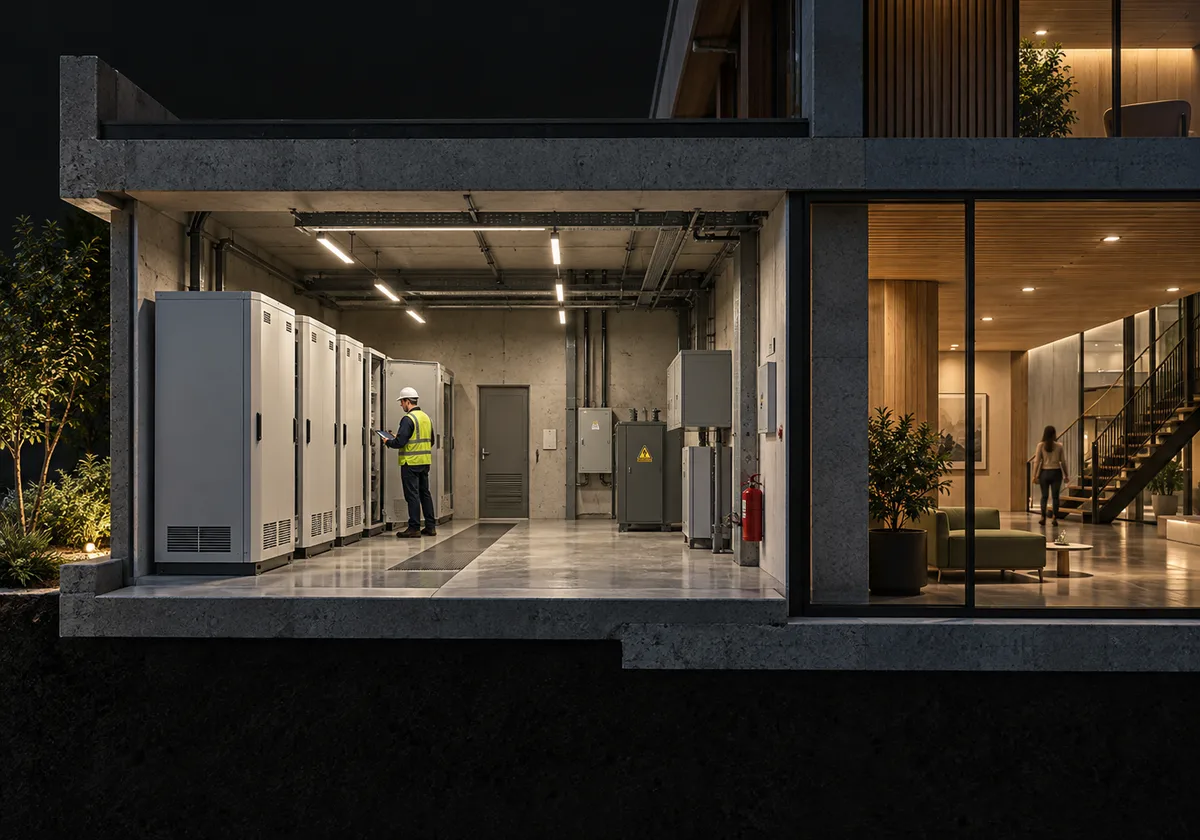
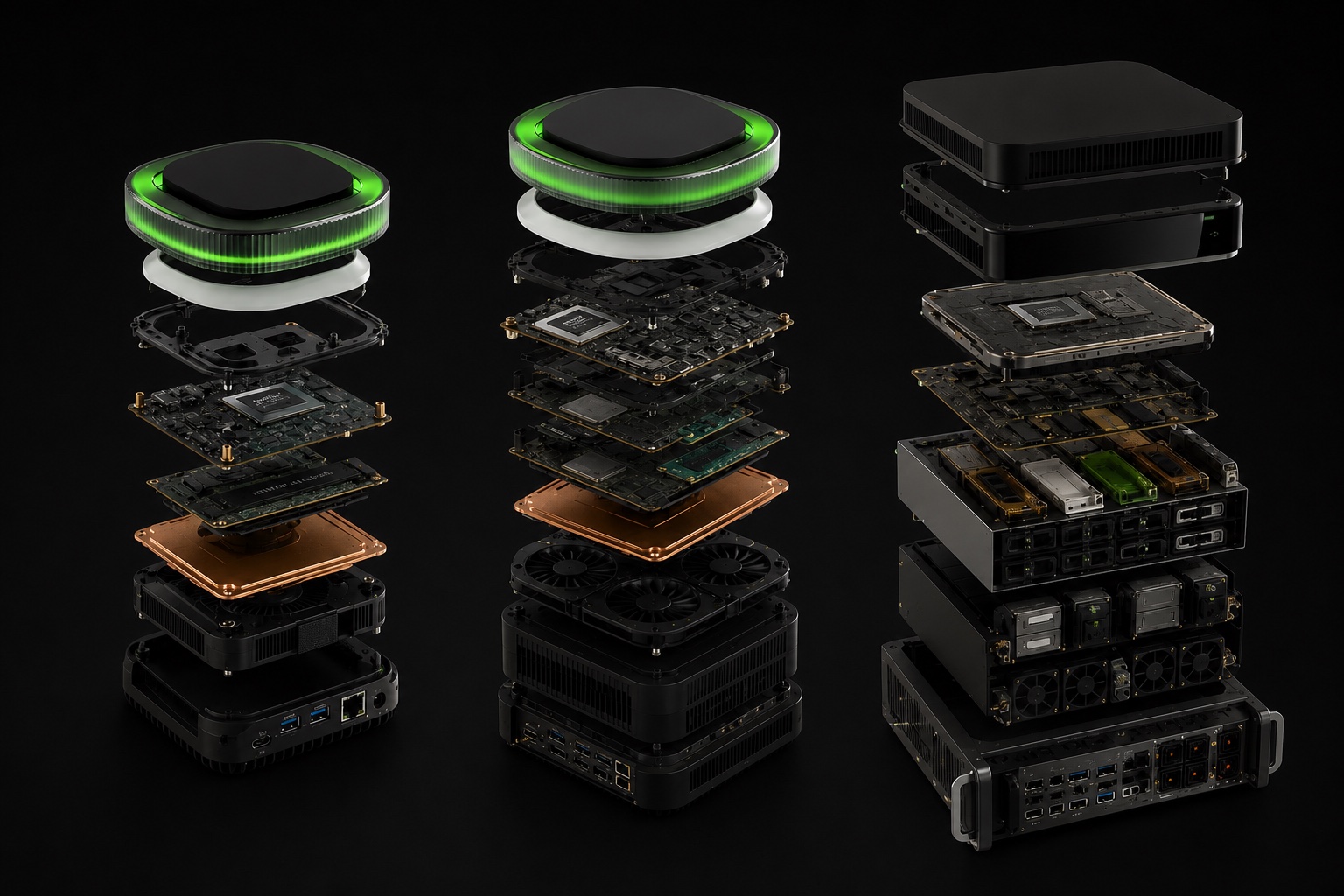
OR.BIT.Ai is being developed across Base, Pro and Enterprise models, with configurations intended to serve different installation needs.
PLANNED POSITIONING
OR.BIT.Ai Base
Pilots and bounded zones.A compact entry point to the OR.BIT.Ai platform, with a focus on straightforward installation and everyday local automation.
Current public direction: a compact edge hub for focused pilot programs, smaller buildings and defined operational areas.
Detailed specifications and supported integrations will be published for each release.
PLANNED POSITIONING
OR.BIT.Ai Pro
Offices, hospitality and multi-site operations.A more expandable configuration for installations that need additional capacity and flexibility as their connected environment grows.
Current public direction: a higher-performance direction for more demanding local workloads and broader building operations.
Detailed specifications and supported integrations will be published for each release.
PLANNED POSITIONING
OR.BIT.Ai Enterprise
Larger managed environments.A configuration intended for larger or more demanding managed environments, with deployment options suited to organisational needs.
Current public direction: a modular direction for larger operational environments requiring expandable local compute.
Detailed specifications and supported integrations will be published for each release.
DEVELOPMENT AND AVAILABILITY
A platform that develops over time.
The first version will establish a practical foundation. The broader vision, including richer adaptation, deeper coordination and more capable automation, will develop progressively.
Each release should clearly identify its available features, supported integrations and operating requirements.
Current readiness: Architecture prototype. Production pilot program in development.
Security and risk release information should identify:
- Supported sensors and systems.
- What can be monitored.
- Which actions are advisory or executable.
- Required approvals and safeguards.
- Known limitations and fallback behaviour.
Simulations remain distinct from validated functionality. No release date, universal compatibility, guaranteed saving or perfect-security claim is implied.
QUESTIONS
Clear answers for a developing platform.
Do I need to give it instructions for every task?
The goal is for familiar tasks to happen within permissions you have already set. New or sensitive decisions may still need your input.
Does OR.BIT.Ai learn about me?
The vision includes local learning from information you permit, such as routines and preferences. You control what it may remember and can correct its assumptions.
Does private information leave the device?
The platform's design principle is to keep private data and learned personal context local. External connections must have clearly documented boundaries and must not silently share that context.
Can I override an automated action?
Manual control and the ability to pause automation are core design requirements. Specific controls depend on the connected equipment and release.
Will it work with my existing devices?
Compatibility depends on supported integrations and equipment. Release-specific information will identify what can be connected and controlled.
Can it help with security and risk management?
The vision includes bringing permitted events together, highlighting unusual conditions and coordinating approved responses. Capability depends on connected systems and the release.
Will it automatically lock doors or shut off equipment?
Such actions must never be assumed. Any supported intervention requires explicit permissions, installation-specific safeguards and appropriate operating limits. Emergency exits and critical systems must remain protected.
Does it replace an alarm or fire-safety system?
No. OR.BIT.Ai is intended to complement supported systems. Certified safety equipment and established emergency procedures remain independent.
What happens if it misinterprets an event?
Users should be able to inspect the observations, correct assumptions and adjust routines. Uncertain events should be presented as uncertain.
What if a sensor goes offline?
The intended behaviour is to show the missing information, identify affected functions and follow documented fallback rules rather than assume conditions are normal.
Does everything described exist in the first version?
No. This page explains the long-term vision. Features and integrations will be introduced progressively.
Does it need an internet connection?
Core intelligence is intended to run locally. Internet requirements for updates and optional services will be documented for each release.
Less to manage. More space to live.
An environment that becomes more useful over time, while keeping you in control.